
MCP Server Security Checklist for AI Agents
Aug 27, 2026 · 8 min read
Treat every MCP server as code plus an account connection. Check who publishes it, what command runs, which data it can reach, and what actions it can take before you connect it.
Start with read-only access and test with data you can replace. Give the server broader access only when the task needs it and the first test behaves as expected.
> The MCP server security checklist
An MCP server gives an AI application a standard way to use tools, read resources, and load prompts. That access can be useful, but the risk depends on the server. A file tool may read or change local files. A sales tool may open customer records. A browser tool may act inside a signed-in session.
Review the server as both software and an account integration. Define the task first, find a small set of candidates, verify the publisher and exact install command, inspect the exposed tools, limit credentials, test away from live data, and keep a way to revoke access. The official MCP security guidance recommends clear consent before a local command runs and a minimum initial permission scope. A directory listing helps you discover a server. It doesn't replace this review. The safe choice is the server that completes the job with the least access, not the one with the longest tool list.
1. Write down the task before choosing a server
Name the one job the server needs to do. “Read support tickets” is useful. “Access our support system” is too broad. The sharper task tells you which data, actions, and account rights are necessary.
This boundary lets you reject any server that asks for access unrelated to the job. It also keeps the test small enough to inspect.
2. Find candidates without treating a listing as approval
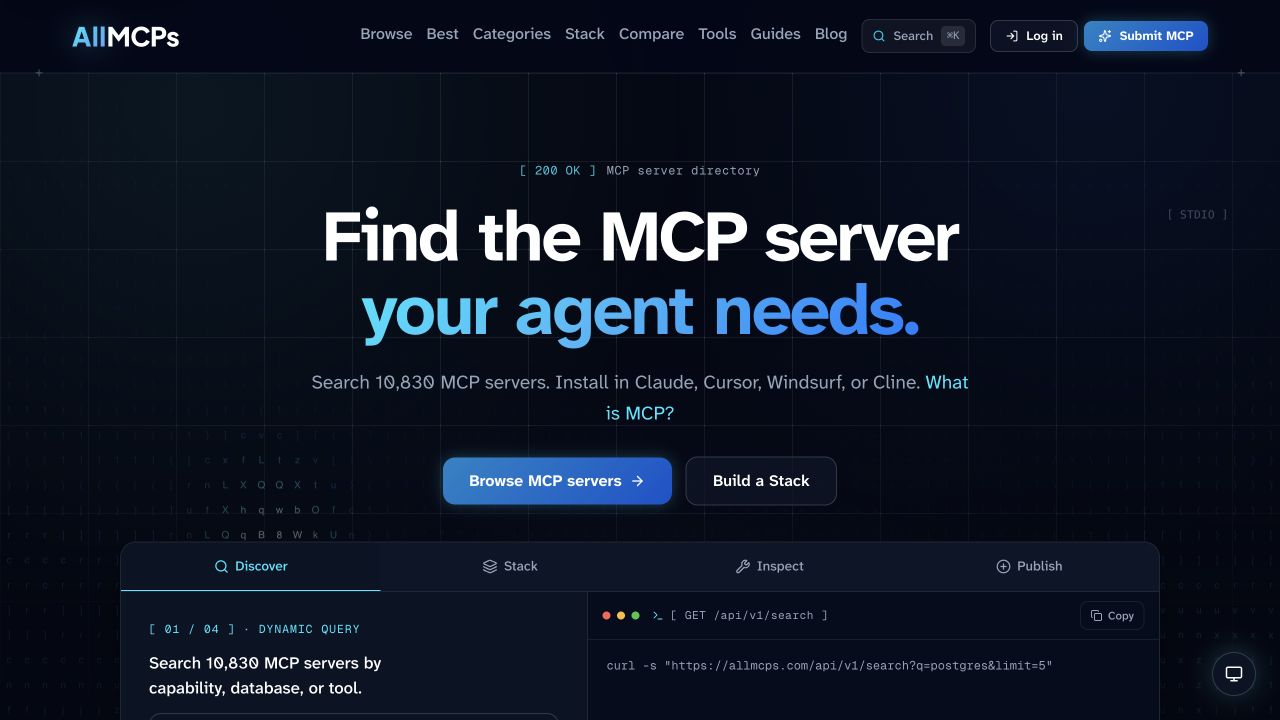
Use AllMCPs to search and browse MCP servers by the job your agent needs to do. Build a shortlist there, then open each server's source, package page, and setup guide before installing anything.
A directory solves discovery. Your review still decides whether a server is safe for your data and accounts. You end with candidates that have a publisher, source, install path, and clear purpose you can inspect.
3. Verify the publisher and exact install command
Match the listing to the publisher's own repository or package page. Read the command in full, including its arguments and environment variables. Stop if the package name, repository, and publisher identity don't line up.
This check matters most for local servers because their setup can run code on your machine. The MCP guidance tells clients to show the exact command and require consent before one-click configuration. You now know exactly what starts and where its code comes from.
4. Inspect every tool and resource the server exposes
Tool names aren't enough. Read their inputs and outputs, then separate read actions from write actions. Pay close attention to tools that send messages, change files, move money, publish content, or delete records.
The official server guide explains that MCP tools can call APIs, modify files, and write to databases. At the end of this check, you can list the server's possible side effects in plain language.
5. Give it the smallest useful permission set
Use a separate account when the service supports one. Start with read-only scopes, a narrow folder, a test workspace, or a key made for this server. Use a dedicated credential instead of an admin key.
For a remote server, check that authorization uses HTTPS and that the consent screen names the access it requests. Avoid setup guides that ask you to paste a broad access token into an unrelated service. A leaked or misused credential then has a small reach and a clear revocation path.
6. Test outside production and watch what happens
Use sample files, a test project, or an account with no customer data. Run the exact task you wrote down, then inspect the server's requests, tool calls, and output. Include a failure case so you can see how it behaves when data is missing or a service rejects an action.
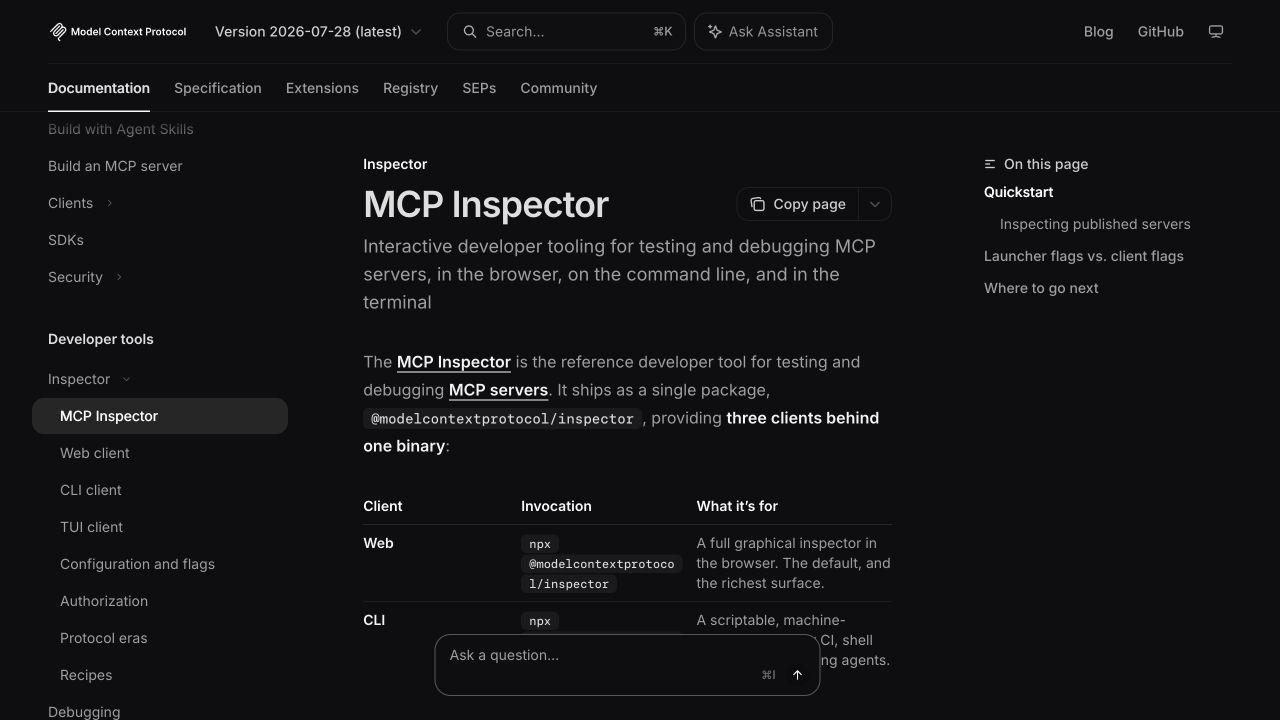
The MCP Inspector is the reference tool for testing and debugging MCP servers. A passing test shows that the server does only the work you asked for and that you can explain every side effect.
7. Plan removal before granting live access
Write down how to disable the server, revoke its key, remove its local configuration, and find its activity log. If one of those steps is unclear, resolve it before connecting live data.
A clear removal path lets you stop access without waiting for the publisher or your own support team. Recheck the server after updates that change its tools, permissions, package owner, or install command.
> Match access to the cost of a wrong action
A calendar lookup and a customer refund shouldn't share the same approval policy. Ask what the worst plausible action is, how fast you would notice, and whether you can reverse it. The answer sets the right level of access and human review.
This is the same trust problem covered in why AI agents stall between demo and revenue. A narrow tool with an approval step is easier to trust than a broad tool with a vague promise of guardrails.
> Frequently asked questions
What is an MCP server?
An MCP server is a program that exposes tools, resources, or prompts to an AI application through the Model Context Protocol. The server may connect the AI to local files, a database, a web service, or another system.
Is an MCP directory listing safe to install?
A listing is a starting point, not a security review. Match it to the source repository and publisher, read the full install command, inspect permissions, and test with data you can replace.
Should I use a local or remote MCP server?
Choose based on the task and the data boundary. A local server runs code on your machine, so review its command and file access. A remote server adds a network service and an authorization flow you must trust.
How do I test an MCP server before using it?
Connect it to sample data and a limited account. List its tools, call the ones you need, inspect the output and logs, and try a failure case. Move to live data only after its behavior matches the task and permissions you defined.
> Where AgentMRR fits
MCP security and business proof answer different trust questions. This checklist helps you judge what a server can access. AgentMRR shows which AI agent products have revenue verified through Stripe read-only access and ranks them on a public leaderboard.
Use the AgentMRR CLI and API when an agent needs structured leaderboard data. If you run an agent product, you can also submit it for revenue verification.
Browse AI agents with verified revenue and use commercial proof as one signal alongside your own security review.
- mcp server security checklist
- mcp
- ai agents
- security